
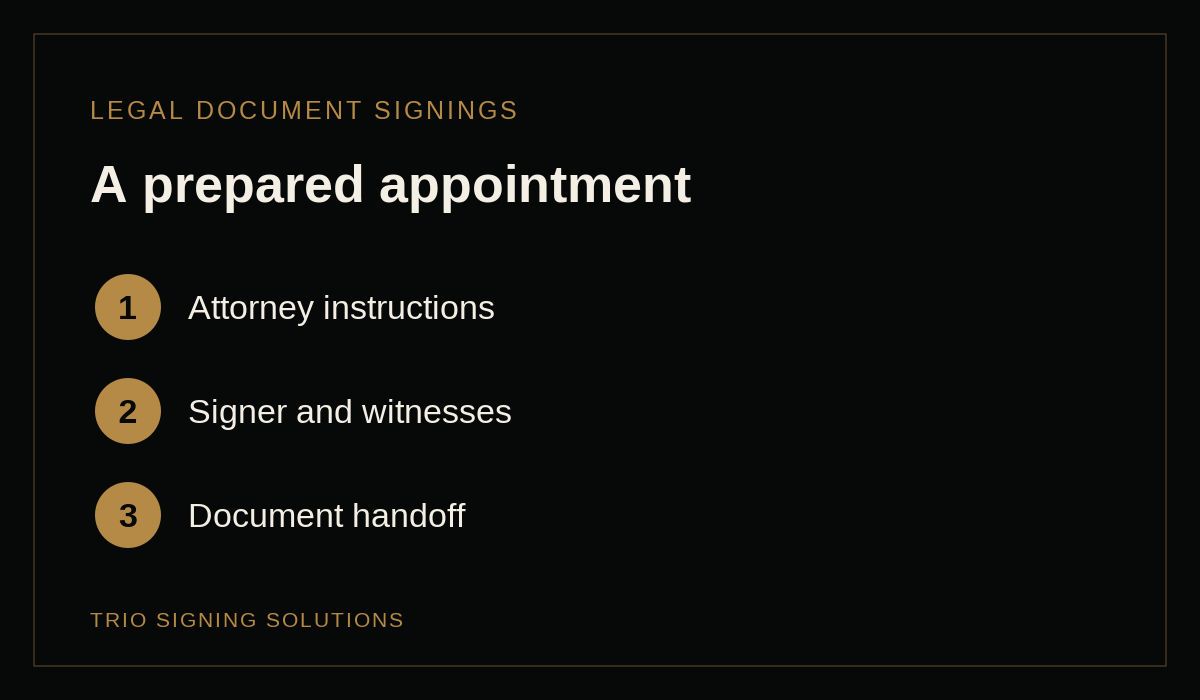
An estate planning signing can involve several documents, multiple participants, and a client who needs extra time or a visit outside the office. Clear preparation helps everyone arrive with the right expectations. It also keeps administrative questions from interrupting the attorney’s discussion with the client.
This guide addresses the coordination behind estate plans, powers of attorney, affidavits, and other legal document signings. It is general operational information, not legal advice or a nationwide execution checklist. Applicable law, the document, the signer’s circumstances, and recipient requirements determine what is needed. The attorney retains responsibility for legal advice, document selection, execution requirements, and capacity determinations. The notary independently follows the law governing the notarial act.
1. Start with an attorney-approved document inventory
List each document separately before requesting an appointment. A will, trust instrument, financial power of attorney, health care directive, and affidavit can have different signing requirements even when they belong to one estate plan. Do not describe the assignment only as an estate package and assume everyone understands its contents.
For every item, identify the signer, the approved document version, any required notarial act, witness arrangements, and the expected destination. The law firm should determine the legal requirements and provide written instructions. A signing coordinator can organize those instructions without deciding which legal formalities apply.
The American Bar Association’s estate planning overview identifies attorney oversight of execution and advice about safeguarding originals as parts of the signing meeting. Treat the appointment as a planned stage of representation, with a named person responsible for unresolved questions.
- Inventory the documents
- Attorney confirms requirements
- Assign participants and delivery instructions
- Confirm the appointment
2. Confirm identity and appearance arrangements early
Ask the signer to locate the identification they expect to present, then confirm the applicable requirements with the assigned notary before appointment day. Acceptable identification, expiration rules, and alternatives vary by jurisdiction. An intake conversation helps identify a concern; it does not replace the notary’s required examination or guarantee acceptance.
Flag discrepancies between the document name and identification rather than asking the notary to overlook them. If the client lacks acceptable identification, pause scheduling until a permitted approach has been confirmed. A relative’s assurance is not automatically an authorized substitute. The client preparation guide on what to bring to a notary provides a useful starting point for the appointment reminder.
Also establish how the signer will appear. A conventional in-person appointment and a legally authorized remote online notarization follow different procedures. Emailing a signed page, joining an ordinary video call, or having a family member deliver the paperwork does not by itself satisfy appearance requirements. Confirm the authorized method before sharing access instructions.
3. Arrange witnesses without relying on assumptions
The attorney should specify which documents require witnesses, how many are needed, and who is eligible under the applicable rules. Those details may differ among documents in the same packet. A notary’s presence does not automatically replace required witnesses, and a witness’s presence does not automatically replace notarization.
Assign responsibility for finding and confirming witnesses. If the law firm expects help coordinating them, make that request explicitly and confirm availability before promising a time to the client. Do not assume hospital employees, neighbors, relatives, beneficiaries, or the assigned notary can serve. Eligibility, institutional policy, and the circumstances all need review.
Include arrival times and any attorney-approved order of signing in the appointment instructions. If a participant cancels, the team should know whether to postpone the entire meeting or seek revised instructions. Avoid improvising a substitute at the table simply because everyone else has arrived. A short scheduling delay is preferable to an execution process the attorney has not approved.
4. Keep legal explanations and signing instructions distinct
Give clients an opportunity to review their documents and raise legal questions with counsel before the mobile appointment. If a client asks what authority a power of attorney grants, whether a provision should change, or what happens after signing, those questions belong with the attorney. The notary should not supply legal interpretations or select a document for the client.
For power of attorney signings, make clear who is signing and in what stated role. Signing a new instrument that grants authority is a different assignment from signing another document as someone’s agent. Counsel should address authority and intended signature wording. The notary follows the applicable rules for identification and the requested notarial act.
Notarization also should not be described as approval of an estate plan. The California Secretary of State’s acknowledgment guidance, for example, distinguishes identifying the signer from verifying the document’s truth, accuracy, or validity. Keeping those roles clear prevents clients from expecting legal assurances from the signing appointment.
5. Prepare affidavits and the correct notarial acts
An affidavit commonly involves a sworn or affirmed statement, so the appointment must accommodate the applicable oath or affirmation and signing procedure. Do not treat an acknowledgment and a jurat as interchangeable stamps. Counsel should resolve the requested act and certificate wording before the appointment when legal selection is needed.
As one state-specific example, the California Notary Public Handbook explains that a jurat includes personal appearance, signing in the notary’s presence, an oath or affirmation, and identification. That example illustrates why the procedure matters; it is not a substitute for checking the law governing another state’s appointment.
Tell the client which signatures must wait until the meeting, based on the attorney’s instructions and applicable notarial requirements. If an affidavit arrives already signed, the notary and attorney should resolve the proper next step rather than backdating or pretending the required procedure occurred. Our explanation of jurats and acknowledgments can help clients understand the basic distinction.
6. Create a clear pause-and-escalate process
Some appointments should stop. A signer may express reluctance, appear unable to communicate a decision, ask unresolved legal questions, or seem subject to pressure from another participant. Build an escalation path that lets the notary report the concern promptly and lets the attorney decide the appropriate legal response. Never make completion the only acceptable outcome.
A notary is not conducting a medical diagnosis or replacing counsel’s assessment of legal capacity. The ABA estate planning ethics checklist explains that capacity standards vary by state and document and that counsel must address capacity for the particular execution. The notary still retains independent duties and cannot be instructed to perform a prohibited act.
Ask for objective observations when an issue arises: what the signer said, what part of the process could not be completed, and which instruction needs clarification. Avoid speculative medical labels in a scheduling message. The guide to reasons notarization may not proceed explains common barriers clients can prepare for without promising that every obstacle has a workaround.
- Concern arises
- Pause the signing
- Notify the designated attorney contact
- Resume only when lawful and appropriate
7. Plan hospital, care-facility, and home visits carefully
For a hospital or care-facility visit, confirm visitor policies, entry procedures, the exact location, and a reliable on-site contact. Ask about practical access needs and expected interruptions without collecting unnecessary medical details. The appointment should fit around the client’s care and comfort, rather than creating pressure to finish during an unsuitable window.
Arrange a stable signing surface, adequate lighting, glasses or hearing aids the client normally uses, and enough time for reasonable breaks. Communicate accessibility or language needs early so counsel and the notary can confirm a lawful, workable arrangement. Do not assume a relative can answer for the signer or interpret every exchange.
Protect privacy in shared spaces. Counsel should direct who may receive documents and remain involved in confidential discussions. If circumstances change after arrival, such as a room move or interruption by staff, notify the coordinating contact. A home or bedside appointment changes the logistics, but it does not remove identification, willingness, appearance, or document requirements.
8. Confirm remote eligibility and recipient acceptance
Remote online notarization may help when travel is difficult, but eligibility must be checked for the specific assignment. Counsel and the provider should confirm applicable law, document restrictions, participant locations, witness procedures, and the intended recipient’s acceptance. Do not assume an estate document is eligible simply because another document was notarized online.
The Texas Secretary of State describes an online notary as a commissioned notary authorized to perform remote notarizations through audiovisual technology. That is a specific authorized process, not permission to use any meeting application. Requirements differ across jurisdictions and can change.
Before scheduling, confirm the client has the necessary device, connection, camera, microphone, identification, and ability to complete the platform’s identity checks. Establish what happens if the connection or identity verification fails. An electronic copy, electronic signature, and remote notarization are different concepts; identify which format the final recipient requires before deciding how the meeting will proceed.
9. Control versions, originals, and the return handoff
Send one final, clearly identified packet through the firm’s approved channel. If counsel makes a revision, withdraw the earlier version and confirm the replacement reached the person printing or presenting it. Record page counts and any required attachments in the instructions. Missing schedules, incomplete fields, and mixed versions should go back to counsel for resolution.
Separate the return instructions into originals, permitted electronic copies, and any documents the client keeps. Confirm the recipient’s name, delivery address, deadline, tracking needs, and authorization for scanning. Use secure channels appropriate for sensitive legal information. Avoid distributing complete estate plans to people who only need an appointment confirmation.
Afterward, report completion or exceptions without implying a legal review. Counsel should review the returned packet and decide whether corrective action is necessary. If a page was missed, preserve the facts and obtain lawful correction instructions; do not add a signature, date, seal, or certificate as though it had been completed earlier.
- Confirm the final packet
- Complete authorized signing procedures
- Return through the approved channel
- Attorney reviews and closes the file
10. Give the signing team one reliable point of contact
A concise assignment brief should bring the operational details together: appointment location, signer and witness arrangements, document inventory, printing needs, attorney availability, and return instructions. Name a backup contact for time-sensitive questions. Clear ownership prevents the client, receptionist, paralegal, and notary from receiving conflicting directions.
Trio Signing Solutions helps law firms coordinate notary appointments nationwide, including estate planning signing support. Our services for attorneys are designed to support the firm’s workflow while legal advice and execution decisions remain with counsel. Availability and the permissible appointment method must be confirmed for each request.
Review how coordination works and our broader signing services, then send an inquiry with the location, preferred timing, document types, and known witness or access needs. Share confidential documents only through the agreed channel. Starting with those practical details helps the team identify what needs confirmation before the client reserves time.
Frequently asked questions
Do all estate planning documents need notarization?
No universal rule applies to every document. Requirements depend on the document and governing law. The attorney should specify which signatures need notarization, witnesses, or other formalities before the appointment is arranged.
Can a notary choose the correct power of attorney form?
A notary acting only as a notary should not select legal documents or advise on the authority they create. Counsel should supply the approved form and legal instructions. The notary completes only a lawful notarial act.
Can witnesses be arranged with the appointment?
Request witness coordination early and confirm availability. The attorney must determine eligibility and the required procedure. Do not assume the notary, family members, or facility staff can serve for every document.
What happens if a client cannot complete the signing?
Pause and notify the designated attorney contact. Report the specific obstacle without pressuring the client. Counsel and the notary address their separate responsibilities before any lawful rescheduling or revised arrangement.
Can an estate planning signing take place online?
Possibly, when applicable law permits the particular document and process and the intended recipient accepts it. Confirm participant locations, identity verification, witnesses, and final document format before scheduling a remote appointment.
Put the next signing in motion.
Share the document type, location, timing, and any instructions so Trio can help coordinate the next step.
Explore signing support for attorneys
