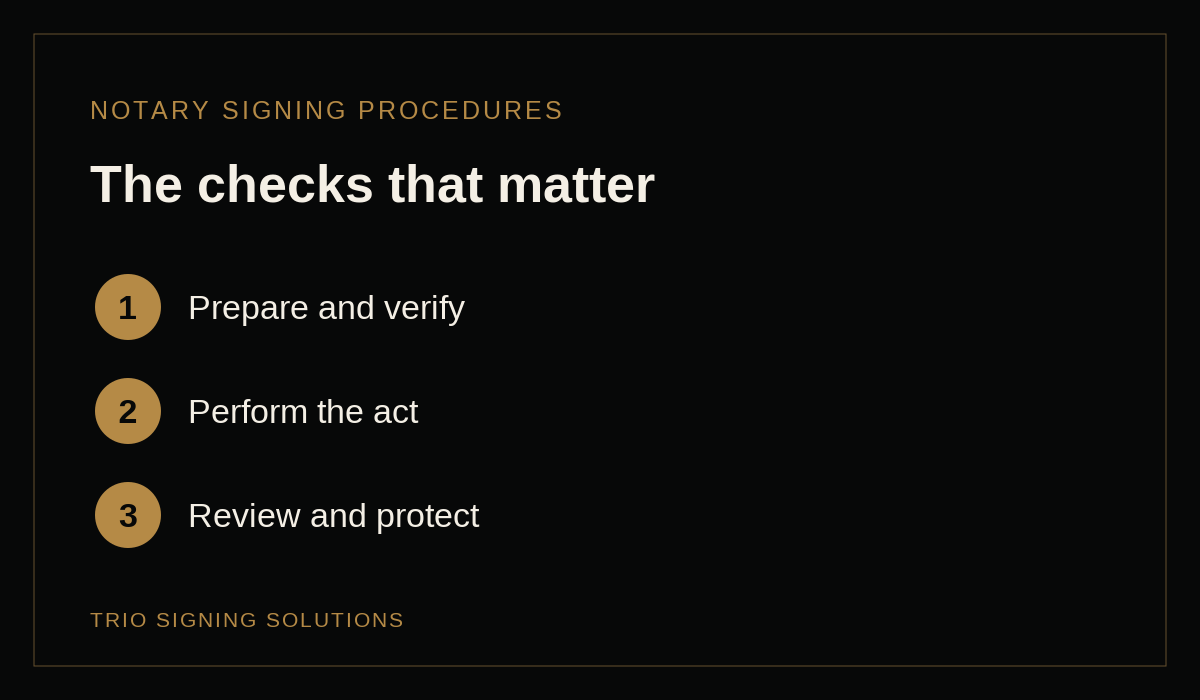
A professional signing appointment starts before the first signature and continues until the documents reach the authorized recipient. Preparation, clear communication, and consistent review help prevent avoidable return visits. They also protect the signer from being rushed through an important transaction.
Strong notary signing procedures combine current knowledge with disciplined habits. A convenient app cannot replace your commission, a client instruction cannot override your duties, and a full calendar cannot justify skipping a required step. This guide explains a practical approach to industry education, signing procedures, and secure technology for notaries working with title professionals, attorneys, and individual signers.
This is general professional education, not legal advice or a substitute for your commissioning authority’s rules. Requirements differ by state, notarial act, document, and permitted signing method. Confirm the rules that apply to you and obtain direction from the appropriate professional when a question concerns the document’s legal effect.
1. Keep your commission and knowledge current
Make commission management part of your weekly business routine. Track expiration dates, required filings, any required bond, and the credentials requested by your hiring parties. Review your authorized territory and the acts your commission permits. A nationwide signing assignment does not turn an individual state commission into nationwide authority.
Use your commissioning authority as the starting point for education. Read current official guidance when a rule changes, before adding a new service, and whenever an unfamiliar situation arises. The California Secretary of State’s handbook page, for example, directs readers to the current edition of its state-specific laws and guidance. Other states maintain their own resources.
Separate mandatory education from voluntary professional development. A private course, signing-agent designation, or platform badge may build useful skills, but it does not expand statutory authority. Practice with fictional documents, keep a learning log, and review recurring errors. Training is most useful when it changes what you reliably check at the next appointment.
2. Review the assignment before confirming the appointment
Read the assignment instructions before accepting a time you cannot realistically meet. Confirm the appointment location, expected package size, printing requirements, scanback instructions, return deadline, and contact for urgent questions. Check that the assignment matches your availability, equipment, experience, and lawful scope of service. Ask about witness arrangements without assuming the notary can fill every role.
Distinguish administrative instructions from notarial duties. A client may specify paper size or document return procedures. A request to backdate, skip an appearance requirement, or apply a seal before the act is complete must not be treated as an ordinary instruction. Pause and explain the specific issue through the approved contact channel.
Give the signer practical preparation information without promising that a particular identification document will always qualify. Direct them to what to bring to a notary appointment, then confirm the requirements for their actual situation. A short preparation call often prevents a lengthy interruption at the table.
- Review the assignment and your authority
- Confirm logistics and the exception contact
- Prepare the approved document version and equipment
3. Establish identity, appearance, and a willing interaction
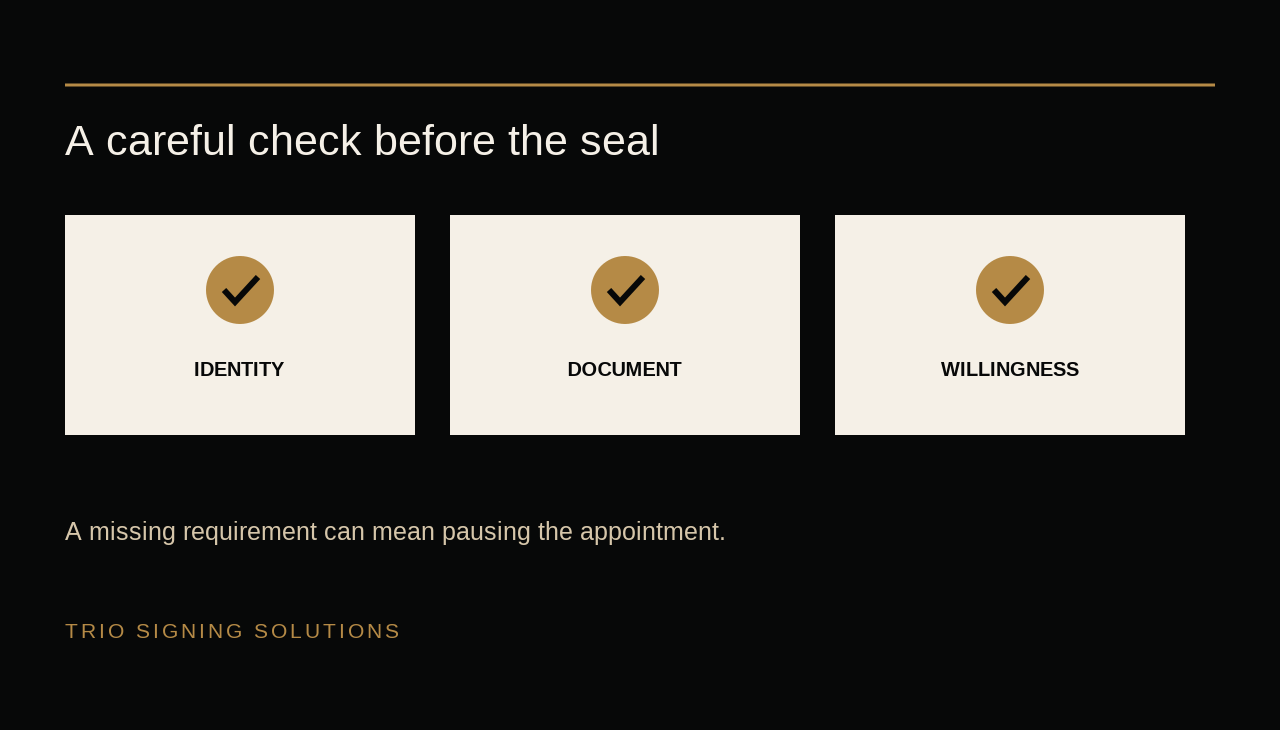
At the appointment, complete the identity and appearance steps required by the applicable law and notarial act. Do not assume every state accepts the same identification, expired credentials, personal knowledge, or credible-witness procedure. An uploaded photo or a familiar face is not automatically a lawful substitute for the prescribed process.
Speak with the signer directly. Explain the immediate process in plain language and allow time for questions. If someone else dominates the conversation, the signer expresses reluctance, or communication raises a concern about awareness, pause and assess your duties under the applicable rules. Do not make a medical diagnosis or let a companion answer every question for the signer.
An important distinction is whether the requested act requires a signature in your presence or an acknowledgment of an existing signature. Review when a notary must witness a signature before assuming all appointments follow one pattern. If you cannot meet a required condition, explain the practical obstacle and contact the hiring party rather than improvising an exception.
4. Handle certificates without choosing legal outcomes
Identify the requested notarial act and inspect the certificate before completing it. An acknowledgment and a jurat serve different purposes, and the presence of a stamp area does not tell you which act the recipient needs. Our jurat and acknowledgment guide explains the basic distinction, subject to the applicable state requirements.
If the act is missing or unclear, ask the signer to obtain direction from the document preparer, recipient, or attorney as appropriate. Do not choose the act for the client, rewrite legal provisions, or give an opinion about whether the document achieves the signer’s goal. Once the requested act is properly established, use a certificate permitted for your jurisdiction and the circumstances.
Complete the venue, date, names, signature, seal, and other required certificate details accurately. Never pre-sign or pre-seal a certificate for later use. California’s official acknowledgment guidance illustrates the limited role of that certificate: its required disclaimer distinguishes identity verification from verification of the document’s truth or legal validity.
5. Protect journals, seals, and the document package
Know whether your state requires a journal for the act, what must be recorded, and how the record must be stored and retained. Requirements can differ between paper and remote appointments. Make required entries at the appropriate time and avoid recording extra sensitive information simply because there is space for it.
Keep your seal and records under the control required by law. A shared office, family vehicle, or temporary work location is not a reason to leave them accessible. Learn the reporting procedures for a lost seal, missing journal, stolen device, or exposed package before an incident occurs. Any voluntary journal practice must also respect applicable disclosure and privacy rules.
Keep the package organized and protected throughout travel. Confirm version changes with the hiring party and separate obsolete copies from the active package. Follow lawful retention and destruction instructions for temporary working copies, while preserving records you must retain. Document custody should be deliberate from receipt through delivery, including stops between appointments.
6. Use secure technology with clear boundaries
Protect the devices and accounts used for signing work. Use current operating systems, install security updates, enable device locks and encryption where available, and use unique passwords. Turn on multifactor authentication for business email, document portals, and other supported accounts. Do not approve an unexpected login prompt simply to make it disappear.
Receive and return packages through the hiring party’s approved secure channel. Verify the recipient and file before uploading. Avoid open sharing links, shared household accounts, and unnecessary local copies. The FTC’s business security guidance recommends limiting sensitive data collection, controlling access, protecting transmission, and planning for incidents. Apply those principles to both electronic packages and paper files.
Do not upload client packages, identification images, journal entries, or signer details into public AI tools, public translation services, or unapproved document utilities. A faster summary does not justify uncontrolled disclosure. Use fictional information for practice and obtain explicit organizational approval before using a new document-handling service. Keep client information out of screenshots shared for technical support unless appropriately authorized and protected.
- Receive through the approved channel
- Limit access and complete the assigned work
- Verify the recipient and return securely
- Retain or destroy copies under applicable requirements
7. Distinguish electronic tools from remote authorization
Electronic signing and remote online notarization are related but different concepts. An electronic document does not automatically permit the signer to appear by video. Likewise, ordinary video-conferencing software does not establish that an appointment satisfies the identity, appearance, certificate, recording, or storage requirements applicable to a remote act.
Before offering remote online notarization, confirm your state’s current authorization process, any additional registration or education, your permitted physical location, and the technology requirements. Florida’s official remote online notary guidance, for example, describes training, registration, and a technology-provider arrangement. Those Florida conditions should not be applied as a nationwide checklist.
Also confirm that the hiring party and intended recipient accept the method for the particular document. Test your camera, connection, and approved platform before an appointment. If identity checks fail or the required connection is lost, follow the applicable procedure. Never move the session into an ordinary video call just to finish quickly.
8. Communicate neutrally and hand off exceptions early
Professional communication is calm, specific, and limited to your role. You can identify a document’s printed title, indicate a designated signature line, and explain the notarial process. Questions about interest rates, legal rights, estate-plan provisions, or the consequences of signing belong with the lender, title professional, preparer, or attorney who is authorized to answer.
When a problem appears, describe the observable facts. Say that the signer does not have an identification document accepted under your applicable rules, or that the package contains an unresolved name difference. Avoid accusations and avoid promising that a workaround will be approved. Our guide to reasons a notarization may not proceed explains common obstacles.
Keep an exception contact available and record communications through the approved channel. If a lawful requirement cannot be met, communicate the pause promptly. A useful update identifies what happened, which part remains incomplete, and whose direction is needed. Never describe a partial or interrupted appointment as fully completed.
- Identify the specific obstacle
- Pause the affected step and protect the documents
- Contact the authorized decision-maker
- Document the outcome and accurate appointment status
9. Review the work and build dependable partnerships
Before leaving, review the completed package for missed signatures, initials, dates, and your certificate details without changing substantive document content. Confirm that required notarial steps actually occurred. Check scans for missing pages, legibility, orientation, and accidental inclusion of another client’s material. Verify the destination and shipping instructions before releasing originals.
If an error surfaces afterward, notify the hiring party promptly and follow the lawful correction process. Do not backdate a correction, alter a signed document without authority, or assume a replacement certificate can be completed without further steps. Use the event to improve your checklist. Reliability includes accurate reporting when something needs attention.
Notaries interested in working with Trio can review the Notary Network and the signing coordination process. Keep your service area, availability, credentials, and equipment information accurate. Explore Trio’s nationwide signing services to understand the assignments clients request. Joining a network does not guarantee assignments or replace your independent responsibility to follow the rules governing your commission.
Frequently asked questions
Does signing-agent training replace a notary commission?
No. Training can strengthen package handling and professional skills, but your commission and applicable law determine which notarial acts you may perform. Check any additional state requirements and the hiring party’s qualification standards separately.
Can I follow client instructions that conflict with notary law?
No. Pause the affected step, explain the specific conflict, and contact the authorized party. A deadline or written instruction does not remove the requirements governing your notarial act.
Can I use any video app for remote notarization?
Do not assume so. Confirm that you have the required authorization and that the technology and process satisfy the applicable rules. Also confirm acceptance by the hiring party and intended recipient for the specific document.
What should I do when a signer asks for legal advice?
Explain your role and refer the question to the appropriate attorney or authorized document professional. Do not interpret the document’s legal effect, choose a notarial act for the client, or pressure the signer to proceed before their questions are answered.
Build your next professional connection.
Explore Trio’s Notary Network and learn how to share your service area, qualifications, and availability.
Explore the Notary Network